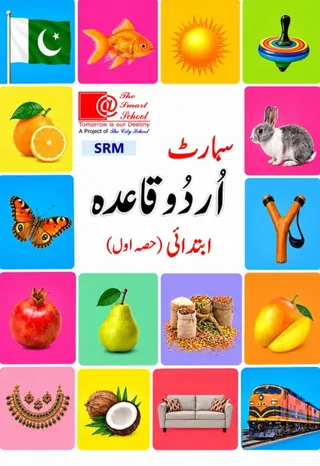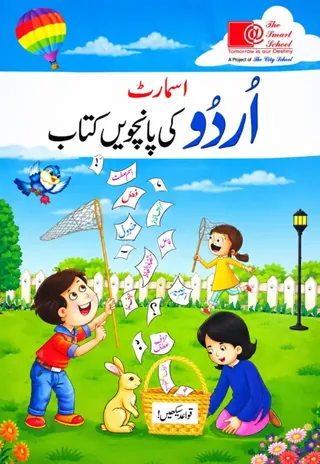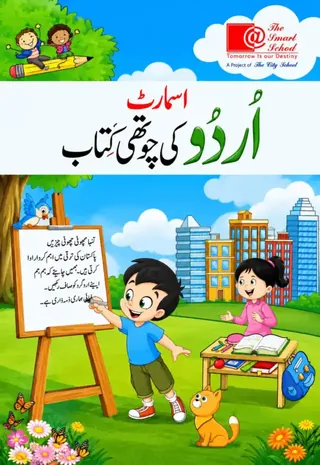
The Smart School Prep – Smart Urdu Qaida Hissa Soom (2027-28)
The Smart School (A Project of The City School)
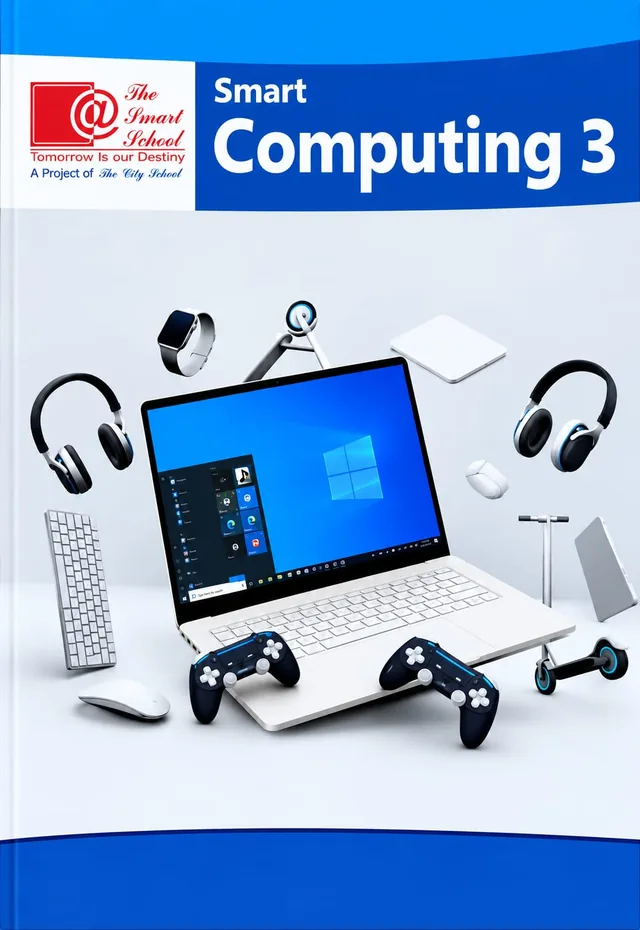
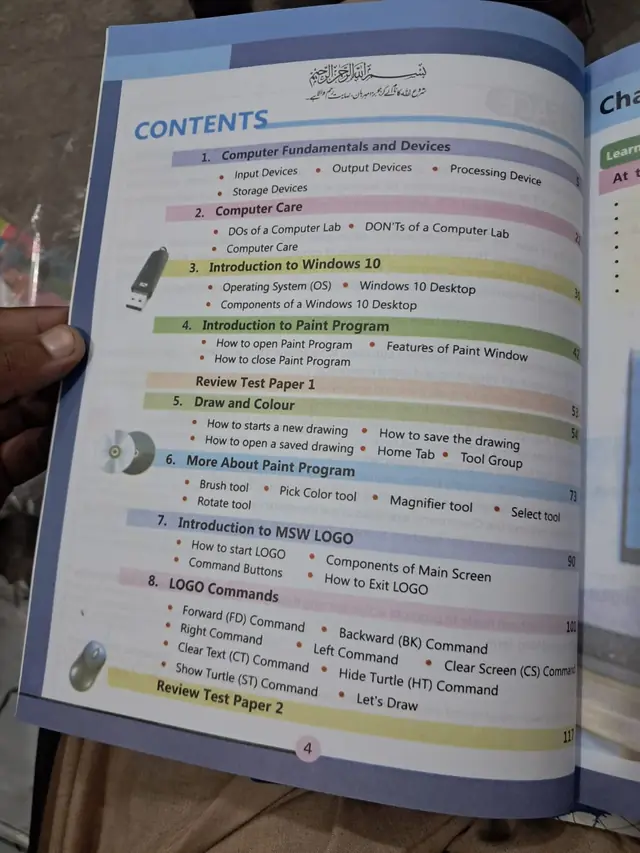
Smart Computing 3, the Class 3 computer book of The Smart School for session 2027-28: eight chapters on computer devices, computer care, Windows 10, Paint and MSW LOGO, and two review test papers.
On the The Smart School Class 3 book list — see the full The Smart School Class 3 book pack and booksSmart Computing 3 is the Class 3 computer book on The Smart School Class 3 list on this site. The blue cover shows a laptop surrounded by headphones, a keyboard, a mouse and a smartwatch. It has eight chapters and two review test papers, from computer devices to Windows 10, Paint and MSW LOGO. This page is written for the 2027-28 session and shows the printed contents with page numbers.
Exams Book House, Shop Number 4, Al Fazal Market, Urdu Bazar, Lahore, supplies it with cash on delivery across Pakistan and delivery to the Gulf countries.
An eight-year-old knows how to use a phone, but a school computer lab asks for more: what the parts are, how to keep the lab and the machine in good order, how to find your way around Windows, how to draw with Paint and how to give a computer instructions with LOGO. This book teaches those skills in order.
The two halves of the book are clear. The first half (chapters 1 to 4, then Review Test Paper 1) is about the computer and Windows. The second half (chapters 5 to 8, then Review Test Paper 2) is hands-on: drawing and colouring in Paint, and moving a turtle with LOGO commands.
| Unit | Pages | Topics inside |
|---|---|---|
| 1 Computer Fundamentals and Devices | p. 5 | Input Devices; Output Devices; Processing Device; Storage Devices |
| 2 Computer Care | p. 22 | DOs of a Computer Lab; DON'Ts of a Computer Lab; Computer Care |
| 3 Introduction to Windows 10 | p. 30 | Operating System (OS); Windows 10 Desktop; Components of a Windows 10 Desktop |
| 4 Introduction to Paint Program | p. 42 | How to open Paint Program; Features of Paint Window; How to close Paint Program |
| Review Test Paper 1 | p. 53 | — |
| 5 Draw and Colour | p. 54 | How to start a new drawing; How to save the drawing; How to open a saved drawing; Home Tab; Tool Group |
| 6 More About Paint Program | p. 73 | Brush tool; Pick Color tool; Magnifier tool; Select tool; Rotate tool |
| 7 Introduction to MSW LOGO | p. 90 | How to start LOGO; Components of Main Screen; Command Buttons; How to Exit LOGO |
| 8 LOGO Commands | p. 101 | Forward (FD); Backward (BK); Right; Left; Clear Text (CT); Clear Screen (CS); Show Turtle (ST); Hide Turtle (HT); Let's Draw |
| Review Test Paper 2 | p. 117 | — |
LOGO asks a child to give the turtle exact instructions: forward 50, right 90. If the steps are wrong, the picture is wrong. That is the first step to coding. A child who enjoys drawing a square or a staircase with LOGO is learning to plan, test and fix, which are skills for every subject.
Chapter 2 gives a list of DOs and DON'Ts. Read it with your child and talk about why each rule matters: clean hands, no food or drink, gentle handling of the mouse and keyboard, and shutting down properly. Children who learn the rules in Class 3 look after school equipment for years.
It is for Class 3 children at The Smart School, about eight years old. It is used in the weekly computer lab lesson during the session, and the review papers help before the school tests. Parents can use the contents list to follow the school's pace.
On this site it is shown under The Smart School Class 3. If your school's 2027-28 list names Smart Computing 3, this is the book. Check the cover and the class number before you order, and send us your list on WhatsApp if you are not sure. We will tell you what we can get for you.
smart computing 3 · the smart school class 3 computer · smart school computer book class 3 · ms paint logo class 3 · class 3 computer book lahore · urdu bazar lahore school books · سمارٹ کمپیوٹنگ 3
Eight chapters and two review test papers.
Windows 10, Paint and MSW LOGO.
Class 3 at The Smart School.
Yes, Smart Computing 4 is on this site.
It is shown there on this site. Send your school list on WhatsApp so we can confirm.
Yes, all over Pakistan with cash on delivery, and to the Gulf countries. WhatsApp 0317 4846676.