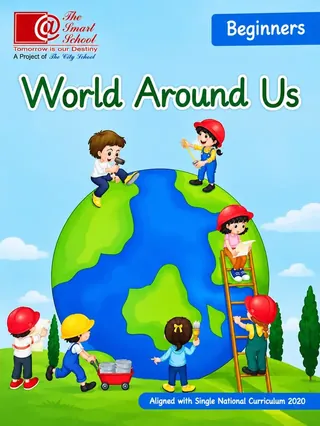
The Smart School Prep – World Around Us, Beginners (Session 2027-28)
The Smart School (A Project of The City School)
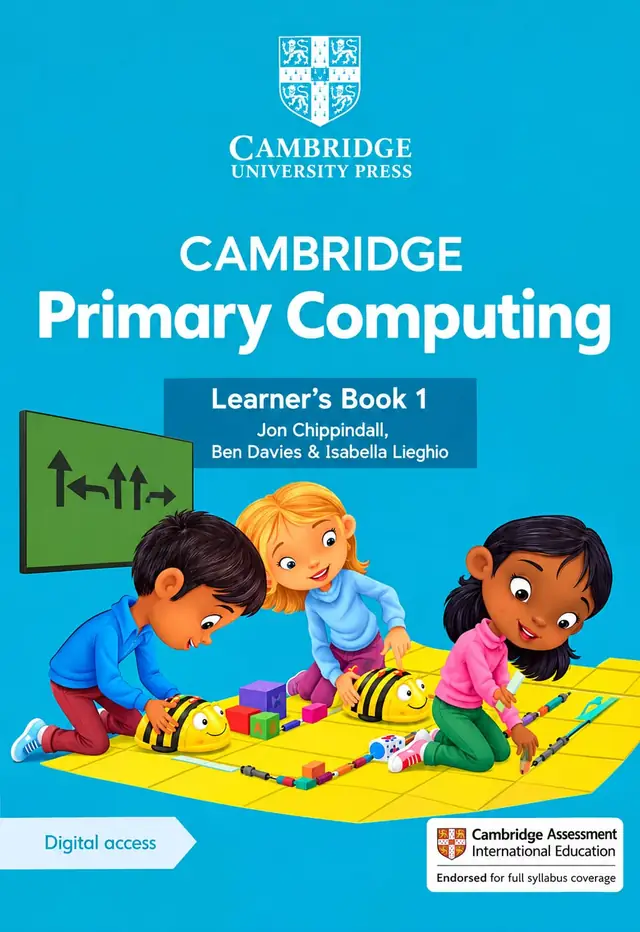
Cambridge Primary Computing Learner's Book 1 by Jon Chippindall, Ben Davies and Isabella Lieghio, with digital access, for session 2027-28: algorithms, Bee-Bot programming, data, the internet and computer systems for Class 1.
Cambridge Primary Computing Learner's Book 1 by Jon Chippindall, Ben Davies and Isabella Lieghio is the first computing coursebook in the Cambridge Primary series. It has a light blue cover showing three children programming Bee-Bot floor robots, and four units: computational thinking and programming, managing data, networks and digital communication, and computer systems. This page is written for parents and teachers planning for the 2027-28 session.
Exams Book House, Shop Number 4, Al Fazal Market, Urdu Bazar, Lahore, supplies it with cash on delivery across Pakistan and delivery to the Gulf countries.
It is the student book for the first year of computing in the Cambridge Primary programme. Computing for a Class 1 child does not mean sitting at a screen all day. The cover shows what it means instead: children working on a floor mat, giving directions to small robots and learning that a computer follows exact steps. The book teaches this idea through games, pictures and short tasks, and many activities can be done without a computer.
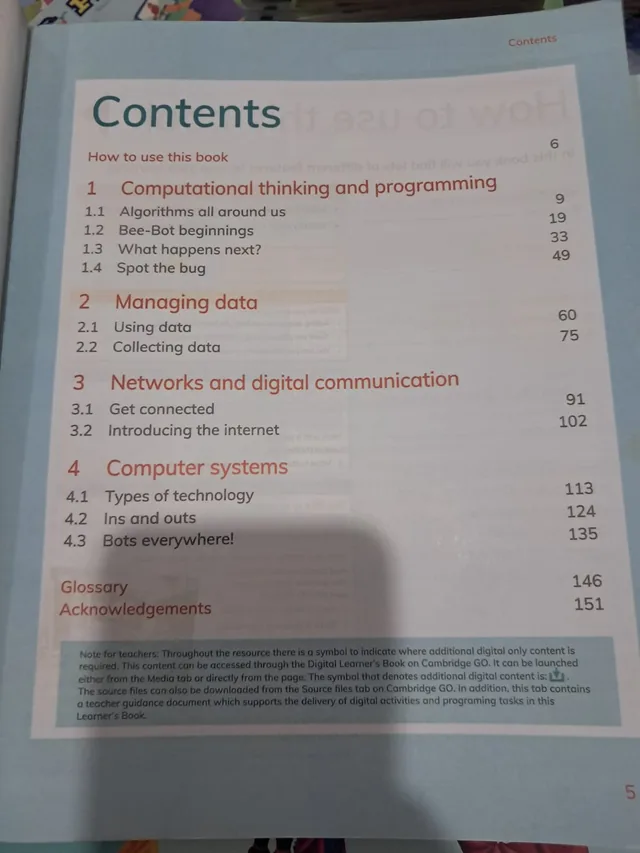
A note for teachers on the contents page explains how the book works with digital resources. A symbol in the book shows where extra digital-only content is needed. This is reached through the Digital Learner's Book on Cambridge GO, either from the Media tab or directly from the page. The source files can be downloaded from the Source files tab on Cambridge GO, and that tab also has a teacher guidance document that supports the digital activities and programming tasks. Please ask your school how it uses these resources.
| Page | Unit and lessons |
|---|---|
| 6 | How to use this book |
| 9 | 1 Computational thinking and programming: 1.1 Algorithms all around us (9) |
| 19 | 1.2 Bee-Bot beginnings (19) |
| 33 | 1.3 What happens next? (33) |
| 49 | 1.4 Spot the bug (49) |
| 60 | 2 Managing data: 2.1 Using data (60) |
| 75 | 2.2 Collecting data (75) |
| 91 | 3 Networks and digital communication: 3.1 Get connected (91) |
| 102 | 3.2 Introducing the internet (102) |
| 113 | 4 Computer systems: 4.1 Types of technology (113) |
| 124 | 4.2 Ins and outs (124) |
| 135 | 4.3 Bots everywhere! (135) |
| 146 | Glossary |
| 151 | Acknowledgements |
It teaches thinking skills, not only button pressing. The idea of an algorithm and of debugging helps with maths, reading and problem solving. The Bee-Bot lessons are especially memorable because children can move a real robot. Because the book is built for beginners, it uses plenty of pictures and very short tasks.
Schools usually teach the four units in order across the year, starting with unit 1 and finishing with the robots in unit 4. The first unit is the longest, with four lessons that cover about 50 pages.
If your school's 2027-28 list names Cambridge Primary Computing Learner's Book 1, this is the book. We supply the newest printing we receive; send us your list on WhatsApp and we will tell you what we can get for you.
cambridge primary computing learner's book 1 · cambridge computing class 1 · stage 1 computing chippindall davies lieghio · 9781009296984 · bee-bot computing book · class 1 computer book 2027-28 · urdu bazar lahore cambridge books · کیمبرج پرائمری کمپیوٹنگ 1
Yes, if your school's 2027-28 list names the Cambridge Primary Computing Learner's Book 1.
Many activities can be done without a computer, but some digital content is available through Cambridge GO. Ask your school how it uses the digital access.
Class 1, which Cambridge calls Stage 1.
Four units with eleven lessons, listed above with page numbers.
Yes, all over Pakistan with cash on delivery, and to the Gulf countries. WhatsApp 0317 4846676.